Swiss ereader maker PocketBook has announced a new addition to its line up, a 7.8-inch device called InkPad Color. As the name suggests, this ereader boasts an E Ink screen capable of displaying colors – 4,096 colors to be precise.
That might not seem as impressive as the color gamut of modern smartphone screens, but there aren't too many ereaders on the market capable of handling graphic novels or book illustrations in full color.
This larger device takes over from the PocketBook Color, a 6-inch ereader that launched last year and was one of the first commercially-available options with the new E Ink Kaleido technology for colored pages.
Other than being able to display 4,000+ colors, the new iteration of the Kaleido tech found in the InkPad uses an upgraded color filter that enhances contrast and saturation, while also improving on the screen's refresh rate. That means not only will text and images appear crisp and clear, page turns and scrolls also promise to be smoother.
Given its ability to bring pictures to life, the new PocketBook InkPad Color should be perfectly suited for reading comics and children's books, or even more work-oriented imagery like graphs and pie charts.
While it's not the first color ereader, the InkPad Color is the first with a large-screen display. It's almost as big as the 8-inch Kobo Forma and beats Amazon's Kindle Oasis by a bit. That's a very comfortable size – hitting the sweet spot between portability and display real estate.
(Image credit: PocketBook)
That said, the limitations of the new E Ink Kaleido technology mean color output is limited to just 100ppi, which is significantly lower than its black/grey resolution of 300ppi.
Running on a custom version of Linux, the InkPad Color is 8mm thick and weighs 225g, making it one of the heavier ereaders currently available, but still very portable. There's 16GB of internal storage available, plus an SD card slot with support for an additional 32GB.
A 2,900mAh battery should give you plenty of time with the device between charges, while Bluetooth 5.1 support means you'll be able to pair wireless headphones and listen to audiobooks. PocketBook promises that 19 ebook formats are supported, along with six audio formats and four graphic.
It's available to buy now in the US and UK from Amazon for $329 / £336 (about AU$425). Unfortunately PocketBooks are currently only sold in few select markets, but we're hoping that might change in the near future.
Is someone applying for a mortgage in your name? Ruining your credit? The best identity theft protection and monitoring service can help you find out -- and fight back.
Now, eBay is offering a chance to win a PS5 prize pack, which includes the console itself along with an additional DualSense controller, PS5 media remote, PS5 HD camera, and three games – Marvel’s Spiderman: Miles Morales, Call of Duty: Black Ops Cold War, and Sackboy: A Big Adventure.
Best PS5 games: the PlayStation 5 games you need to play
The competition and how to enter
If the above prize pack sounds like it would be a nice thing to have (it would be), then you'll want to be entering this competition. The rules are fairly simple – you just need to be a new member of eBay Plus, the online marketplace's premium membership option (which is akin to Amazon Prime).
Thankfully, eBay Plus offers a 30-day free trial, so you can sign up for free if you haven't already used your trial, or alternatively pay the AU$49 yearly fee.
Once signed up, simply send an SMS to +61 480 000 020 containing the email address you used to sign up to eBay Plus, and if you're a winner, you'll get notified by email on Friday, February 26th.
There are 20 prize packs to be won and entries close next Monday February 22 at 11:59pm AEDT – so if you're keen to try your luck, you'd better act fast.
For full competition details, plus terms and conditions, you can click here.
iOS 14.5 is the next version of iOS, and while it won’t be as big an update as iOS 15, which isn’t expected to land in finished form until September, it’s still set to add a bunch of new features and improvements.
We know this because iOS 14.5 is already in beta, so developers and members of the public have turned up all sorts of interesting additions. Some of these are handy upgrades, like an alternative to Face ID that lets you unlock your iPhone by wearing an Apple Watch – a feature in iOS 14.5 beta 2, which just arrived for developers.
Below, we’ve highlighted the five best things we’re expecting in iOS 14.5. It’s worth noting that there’s a chance some of these things won’t turn up, as occasionally features in beta don’t make it to the finished release, but we’d certainly expect most of them.
We’ve also included information on when iOS 14.5 is likely to land, so that those who don’t want to brave the beta will know how long they have to wait.
iOS 14.5 release date
There’s no news on exactly when iOS 14.5 might launch, but we have reason to believe it’s coming very soon.
There are a couple of reasons for that. Firstly, it’s already available in both public and developer betas, which suggests it would probably arrive soon. But secondly and more significantly, Apple has launched a new 14.x version every calendar month since the launch of iOS 14, and iOS 14.4 landed in January, so we could see iOS 14.5 this month (February).
That said, iOS 14.4 started rolling out at the end of January, and the actual gap between new versions is just over a month on average, so it might be towards the end of February or even the beginning of March by the time we get iOS 14.5, but that’s still only weeks away at the time of writing.
Five things iOS 14.5 will bring to your iPhone
We’re expecting a bunch of updates as part of iOS 14.5, but below we’ve listed the five most interesting ones that we’ve heard about so far.
1. Mask support for Face ID
(Image credit: Future)
Face ID was great until we all started wearing masks, but with iOS 14.5 Apple is making it great again, at least for Apple Watch owners.
That’s because as long as your Apple Watch is unlocked, you’ll now be able to use it to authenticate your identity on your phone, meaning you can simply raise your phone as if to use Face ID, and it will unlock, with a buzz on your wrist to tell you your watch has done the heavy lifting.
However, while this will work for unlocking your iPhone, it doesn’t currently work for other things that rely on Face ID, such as authenticating purchases. Still, it's a handy workaround for users who have had facial recognition blocked when wearing face masks – and given the feature arrived in iOS 14.5 beta 2 for developers, we'd expect this to land in the full release.
The first time you request a song from Siri it should ask what player you want to use, with Spotify among many others supported, then going forward it should always default to that player, so you won’t have to specify with each request.
We say it ‘should’ do this because the beta version seems to have some teething problems, and isn’t consistently working for people, but hopefully these issues will be ironed out in time for the finished version of iOS 14.5.
3. App Tracking Transparency
(Image credit: Apple)
iOS 14.5 is also expected to include a big new privacy feature called App Tracking Transparency. This will require apps to get your permission before sharing your activity and data with websites and apps owned by other companies.
This sharing of data is often used for adverts, with Facebook for example making big use of it, but with App Tracking Transparency you’ll be able to opt out if you’d prefer, and Apple is insisting that users still have full access to apps even if they do opt out of this.
4. PS5 and Xbox Series X controller support
If you’re a gamer then you’ll probably appreciate the addition of support for PS5 and Xbox Series X controllers as part of iOS 14.5. The Verge reports that this feature has been found in the public beta, and it should be a handy upgrade for anyone who owns one of these consoles, especially those who also make use of Apple Arcade.
Arguably this would be even more useful for gaming on an Apple TV, and while the feature isn’t yet confirmed for tvOS, we’d expect it will soon be added to that too.
5. Crowdsourced alerts in Apple Maps
(Image credit: Apple / MacRumors)
Many of us aren’t really going anywhere at the moment, but for those who do have much use for Apple Maps, there’s a potentially handy new feature in the iOS 14.5 beta.
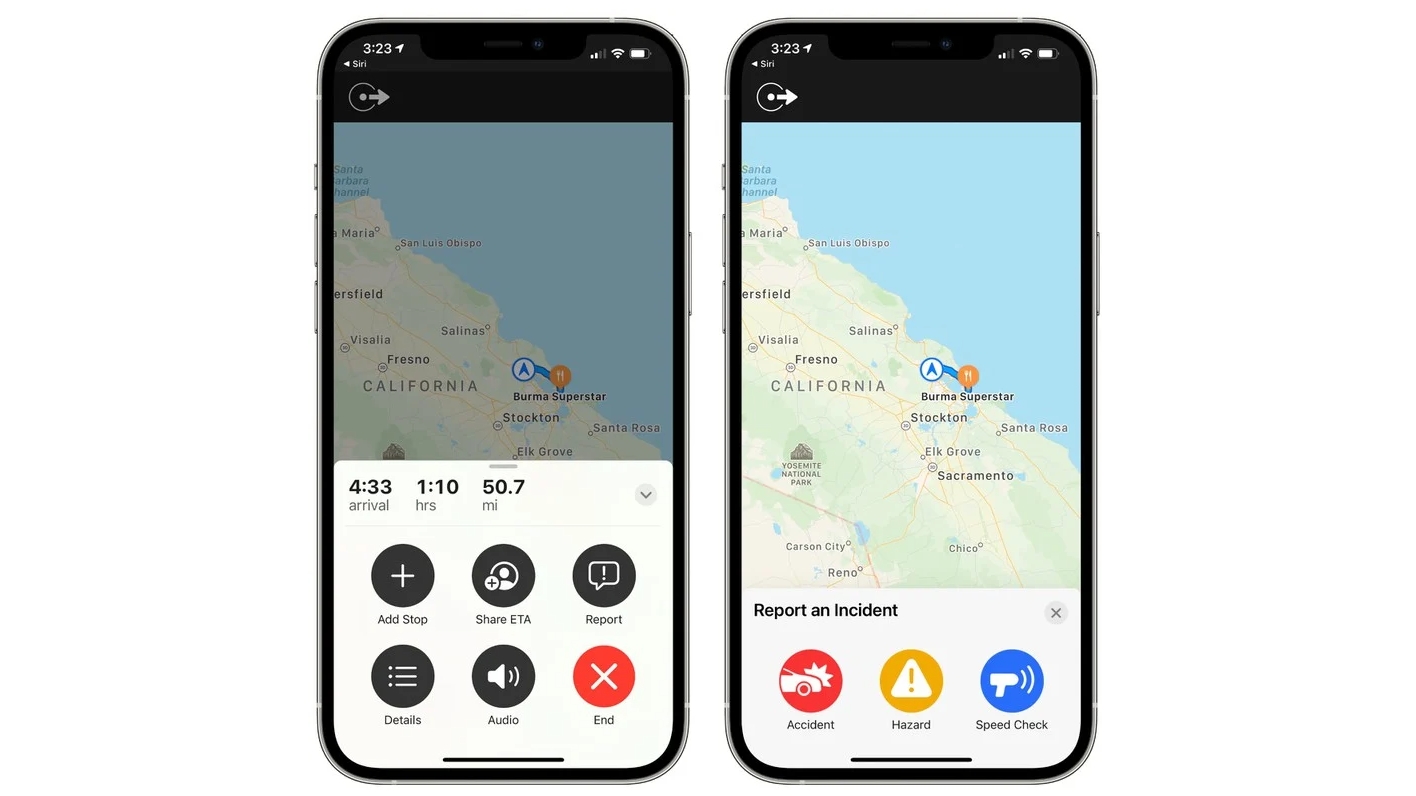
MacRumors reports that you can now report accidents, hazards, and speed checks on your journey, and presumably if enough people flag the same thing a warning about it will appear on Apple Maps – though with so many people staying at home and the feature still being in beta, it’s not getting enough use for that to have been confirmed as far as we can see.
The best webcams are back in demand, so much so that they’re still difficult to find in stock right now. Because of the ongoing pandemic, PC users need these peripherals more than ever to connect with friends, family, and colleagues. Even those using laptops or all-in-one computers already equipped with one are on the hunt for a dedicated web camera for high resolution and better features.
That doesn't mean it’s impossible to get your hands on one right now, however. We’re committed to helping you locate both high-quality and cheap webcams where they’re in stock. Better yet, because they come in different resolutions, price points, and feature sets, we’re here to help you figure out the best one for your needs.
Whether it's calling family, streaming games, or for professional use, visual communication is still an important part of our lives. With so much of our day-to-day life moving to online spaces, having clear video on calls is becoming an essential requirement to our computing setup. And for that, you need one of the best webcams.
We found some of the best webcams today. We also highlighted some webcam deals from lesser-known brands at the top of this page. These webcams are in stock and offer decent alternatives to the better-known products in our list - and at greatly reduced prices as well.
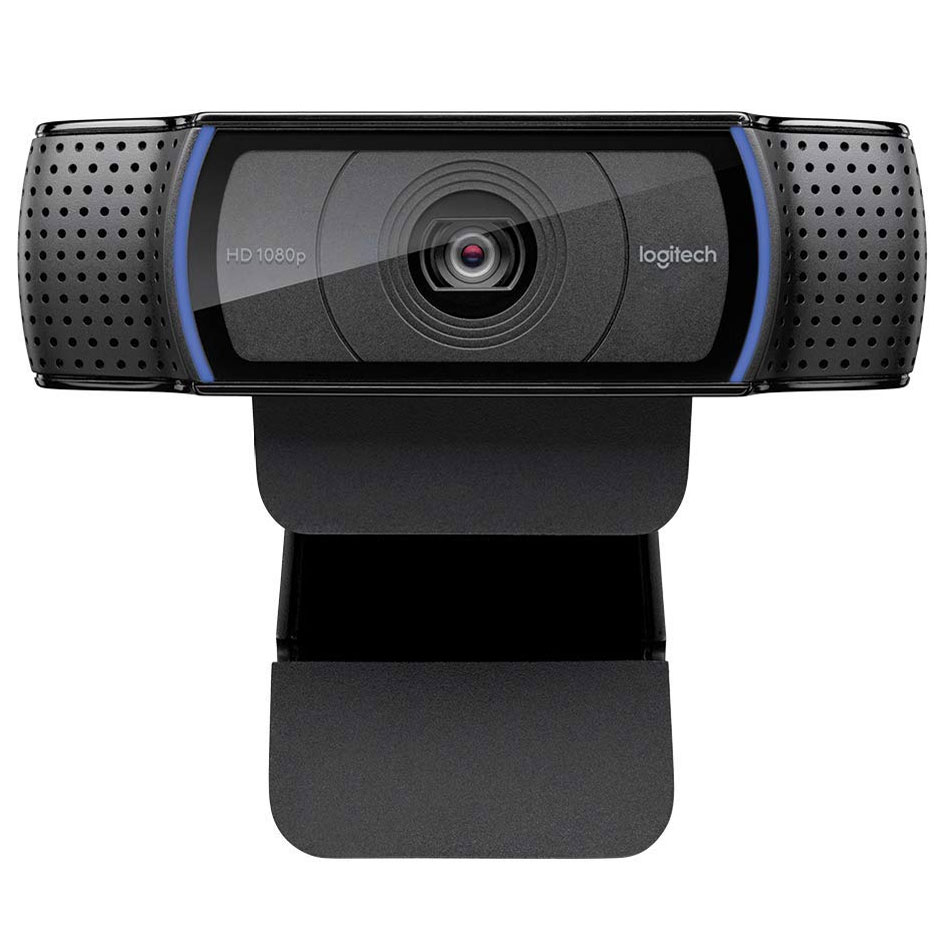
Logitech C920 webcam:$107.99$80.50 at Amazon This webcam often appears in lists for top webcam, and it's little wonder why. Often used by content creators, this HD webcam is fluid, smooth, and reliable.
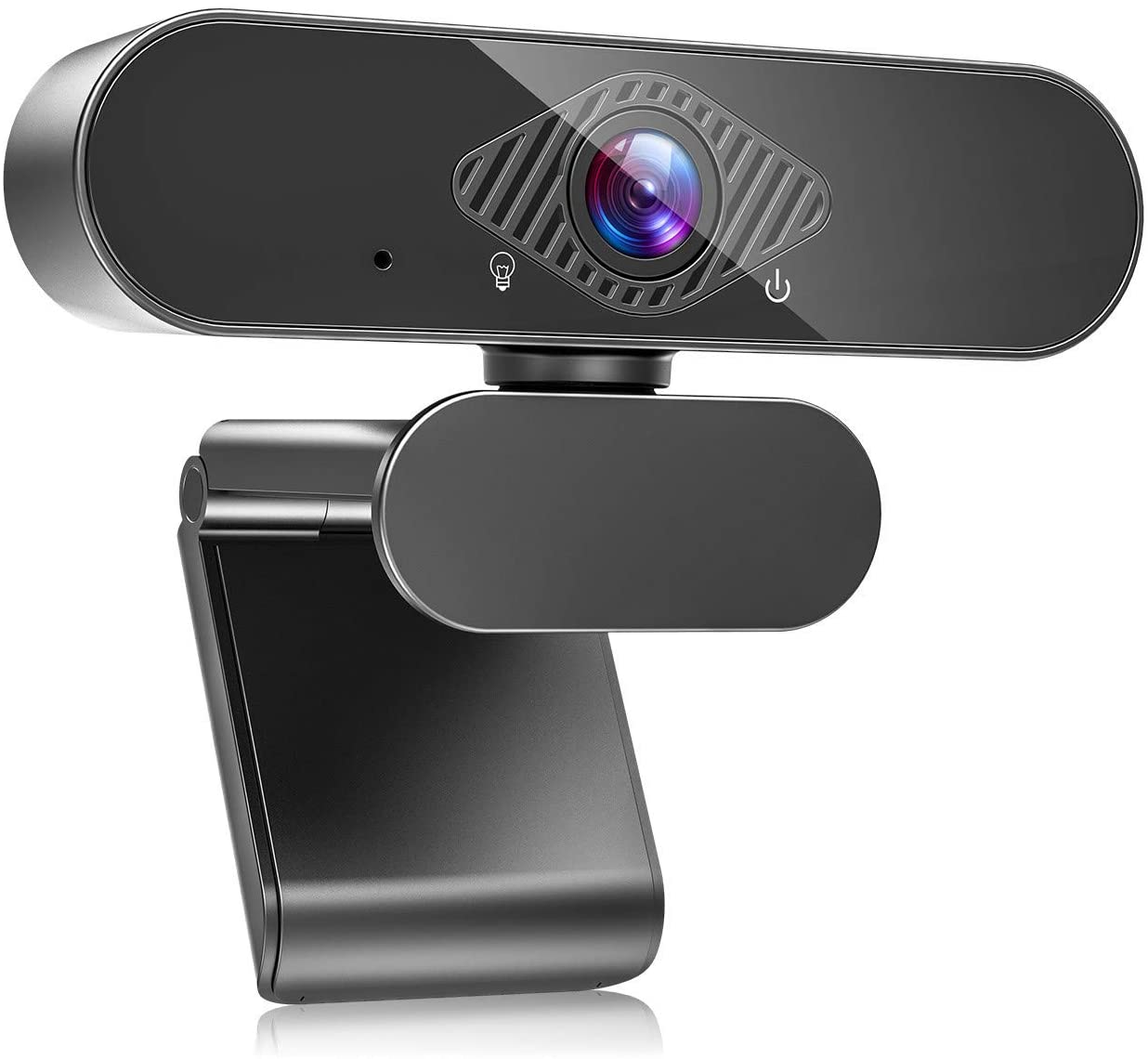
Zealinno 1080P webcam:$31.99 at Amazon This webcam comes with a wide-angle lens, dual microphones and can handle 1080p at 30fps. While it can't compete with premium webcams, it's a great deal cheaper and gets the job done.
Cheapest US webcam
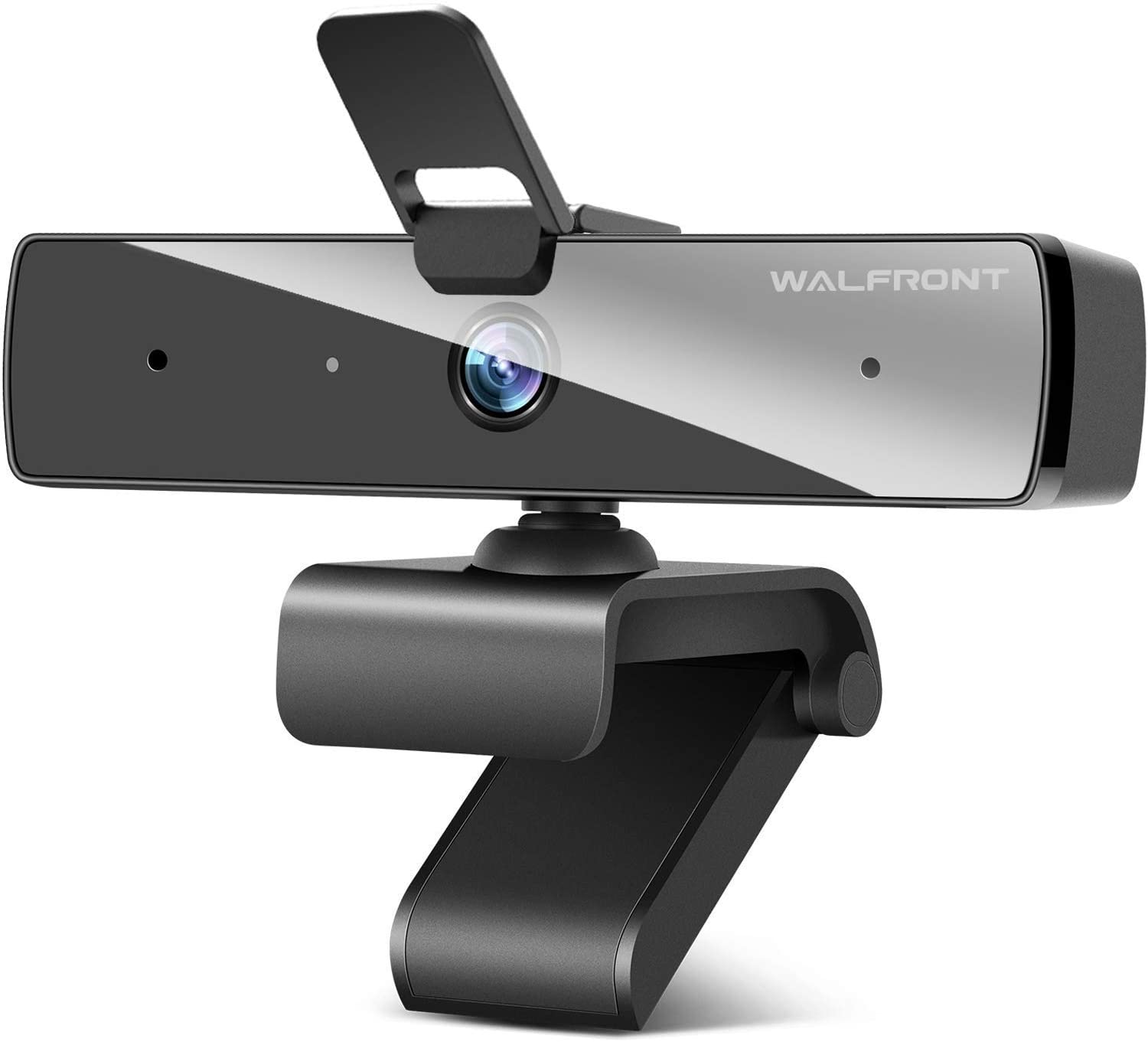
Walfront 1080P webcam:$26.99 at Amazon If you need a simple, cheap webcam to get you through working from home then this is a great deal. It can handle 1080p at 30fps, has dual microphones and a physical cover for maintaining your privacy.
Best webcam deals in the UK
Teaisiy USB Webcam with Microphone:£26.99 at Amazon This webcam operates in HD 1080p video at 30fps, and even turns 360 degrees should you need it. No additional drivers are required, so you can simply plug in and make video calls with little fuss where needed.
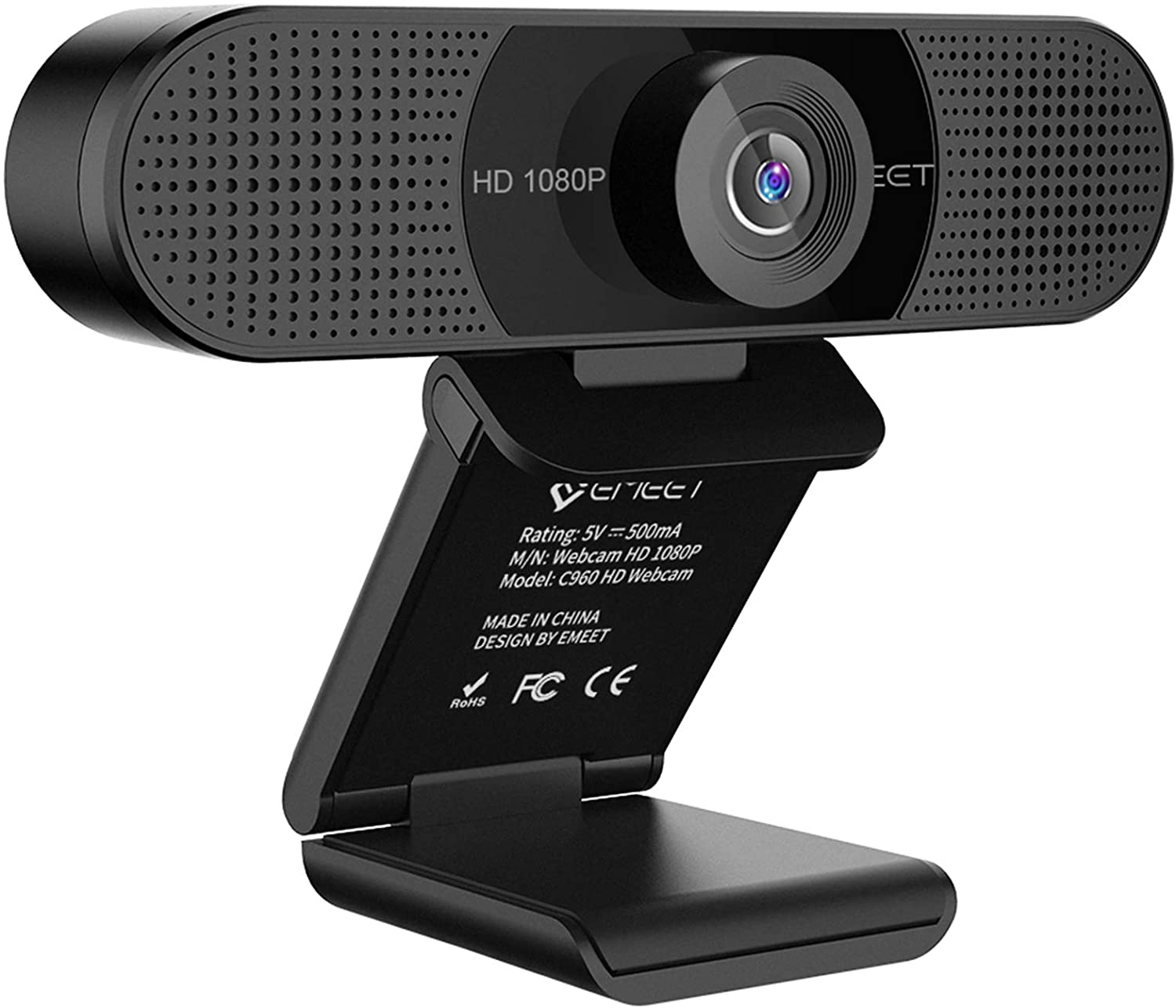
eMeet webcam with microphone:£39.99£26.23 at Amazon This is a pretty good webcam for people who do a lot of meetings, with a wide-angle view that allows you to fit in more people. It also features dual microphones for better sound quality, especially if lots of people are in the room. It currently has an additional 10% off, just tick the voucher box.
Cheapest UK webcam deal
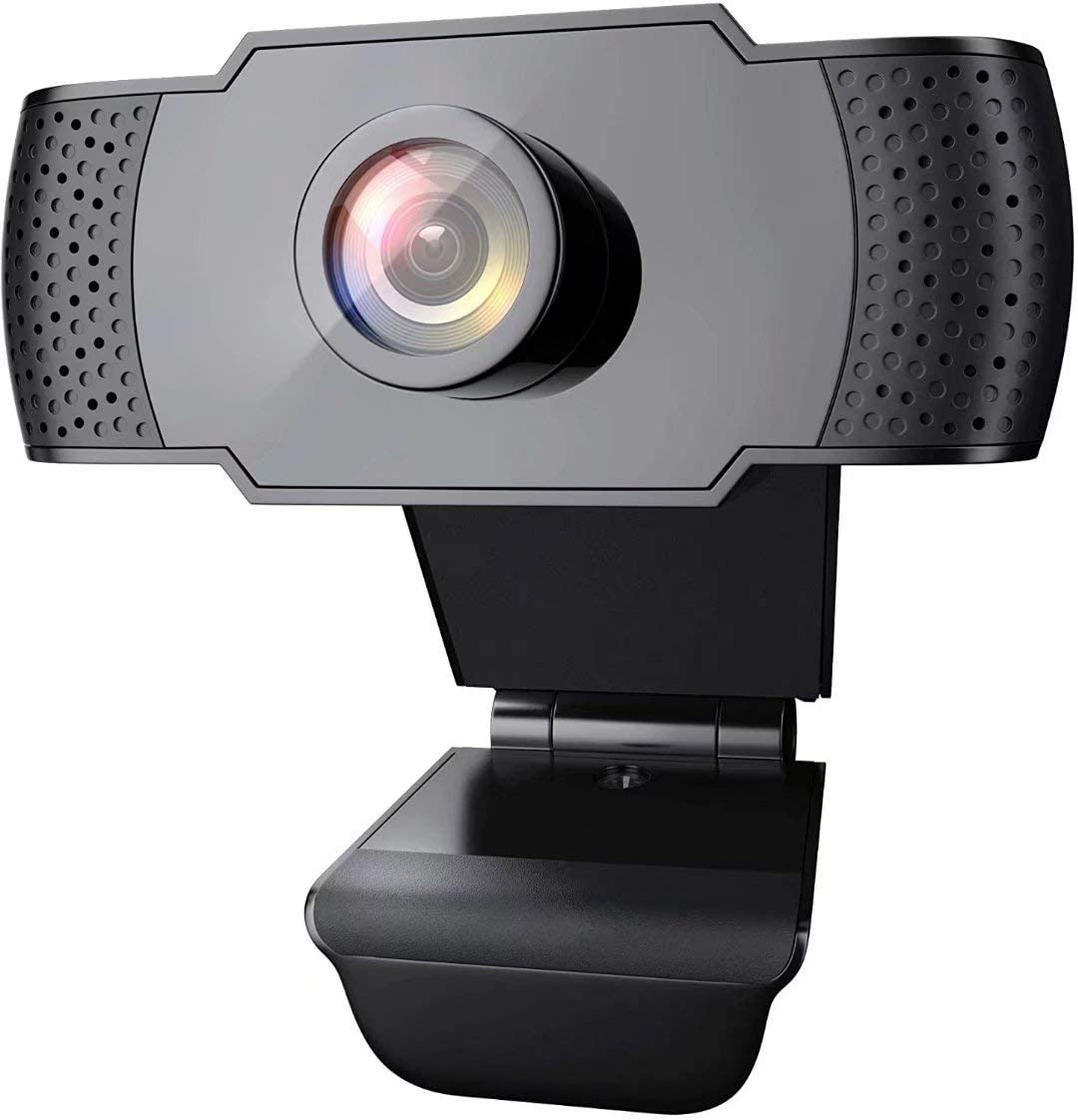
wansview 1080P webcam:£23.99 at Amazon If you want a budget webcam that can still handle 1080p resolution, then this is a good webcam deal, and it's currently in stock. It also comes with a built-in mic for those who don't have access to other means of audio recording.
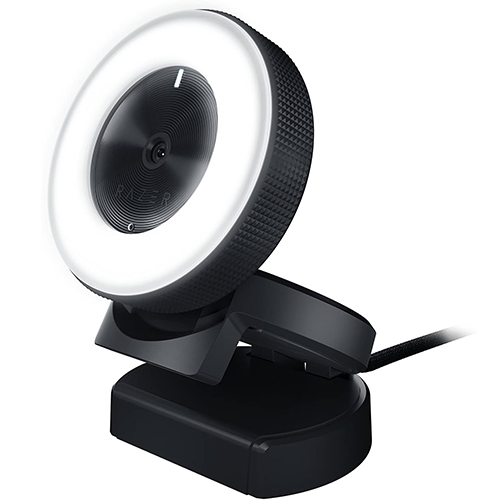
Razer Kiyo 1080p webcam:£124.99 at Amazon This popular streaming webcam combines 1080p 30 FPS or 720 p 60 FPS recording with a built-in adjustable ring light. Don't limit the capabilities to just content creators though, with these specs it makes for a fantastic business webcam too.
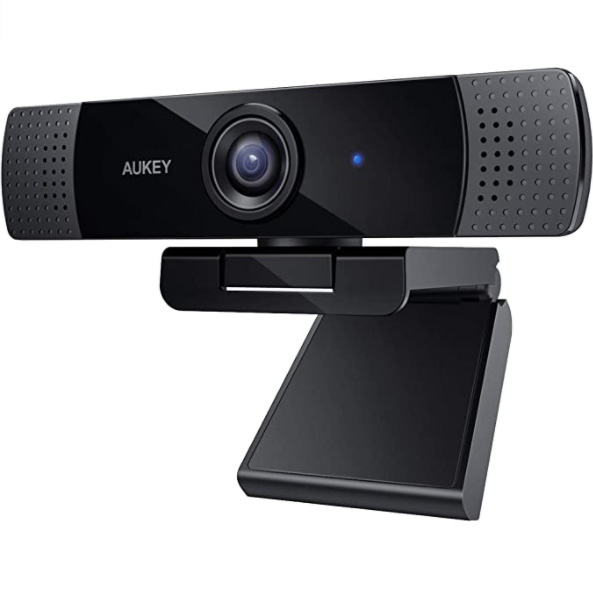
AUKEY 1080p HD webcam:£39.99£29.99 at Amazon Aukey is currently offering £10 off this 1080p HD webcam, perfect for anyone needing a cheap camera without compromising on visual quality.
The best webcams of 2021:
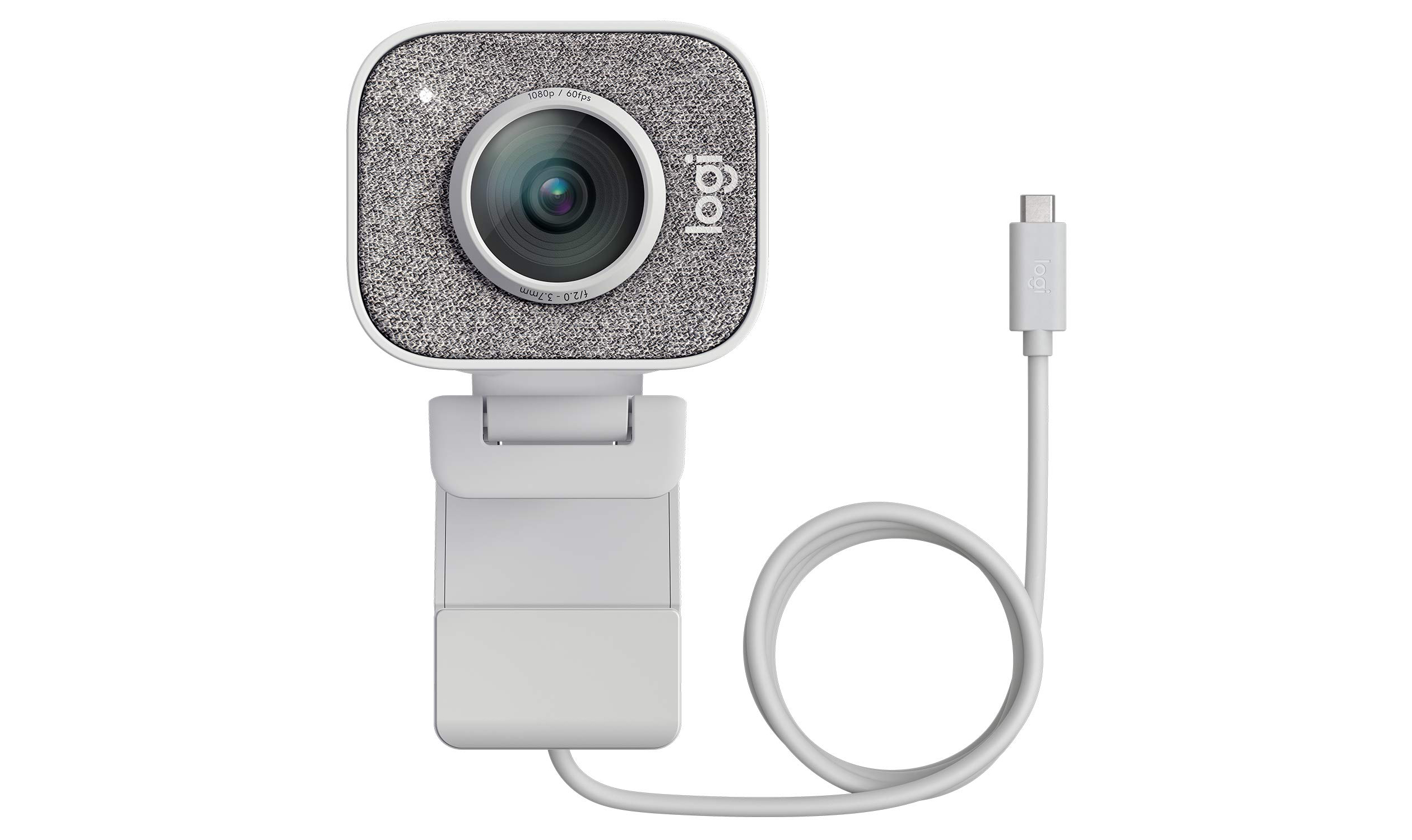
Logitech StreamCam has many tools to offer for your content creation needs.(Image credit: Logitech)
1. Logitech StreamCam
Best for content creation
Resolution: 1080p | Features: Smart auto-focus and exposure, AI-enabled facial tracking, 9:16 format, built-in electronic image stabilization, USB Type-C connectivity
Content creation features
Facial tracking
Auto-focusing
Not cheap
Our top pick for the best webcams is more than just a webcam. The Logitech StreamCam won’t just have your back when you’re video conferencing, video chatting with families and friends, and live streaming your games. This feature-rich 1080p webcam has many tools to offer for your content creation needs as well, including auto-focusing, smart exposure, facial tracking, up to 60fps frame rate, and a flippable design so you can take photos and videos in 9:16 format. You can even mount it on a tripod, and it uses USB Type-C for fast and more efficient video transfer speeds.
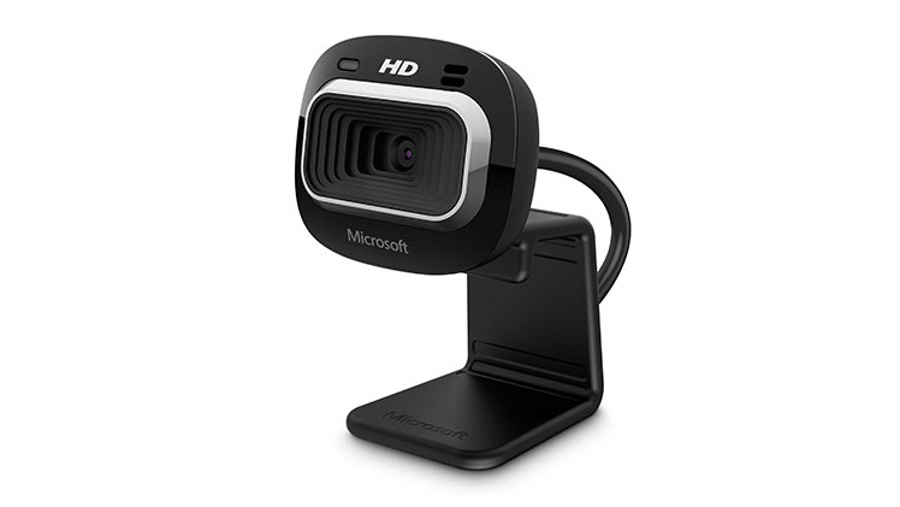
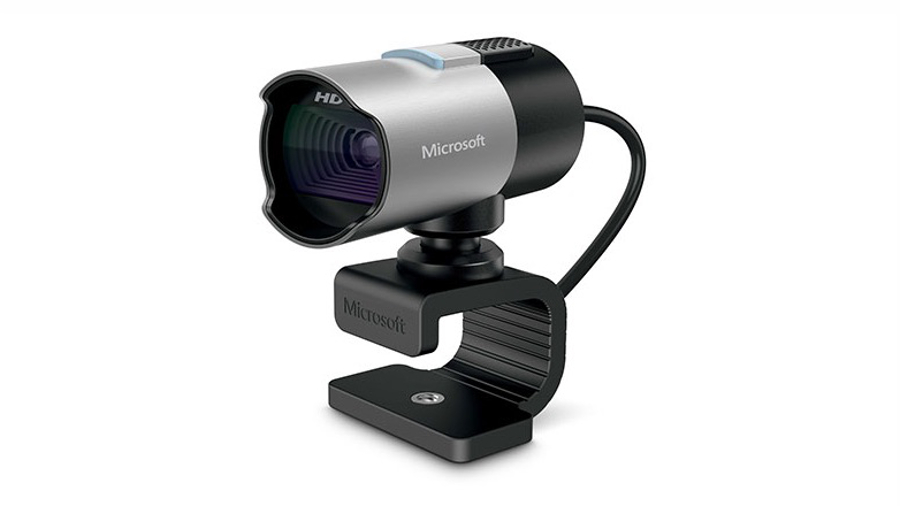
The Microsoft LifeCam Studio is one of the best webcams out there. (Image Credit: Microsoft)
The Microsoft LifeCam Studio is one of the best webcams out there. Aimed at pro users with large displays, it features a familiar configuration of 1080p recording and 720p live video calling. It rotates 360 degrees, and can be mounted on a tripod with autofocus. The wideband mic delivers crystal clear audio, and Microsoft’s TrueColor system will shift the exposure dynamically to keep you well lit, making it a great choice for business conferencing and presentations.
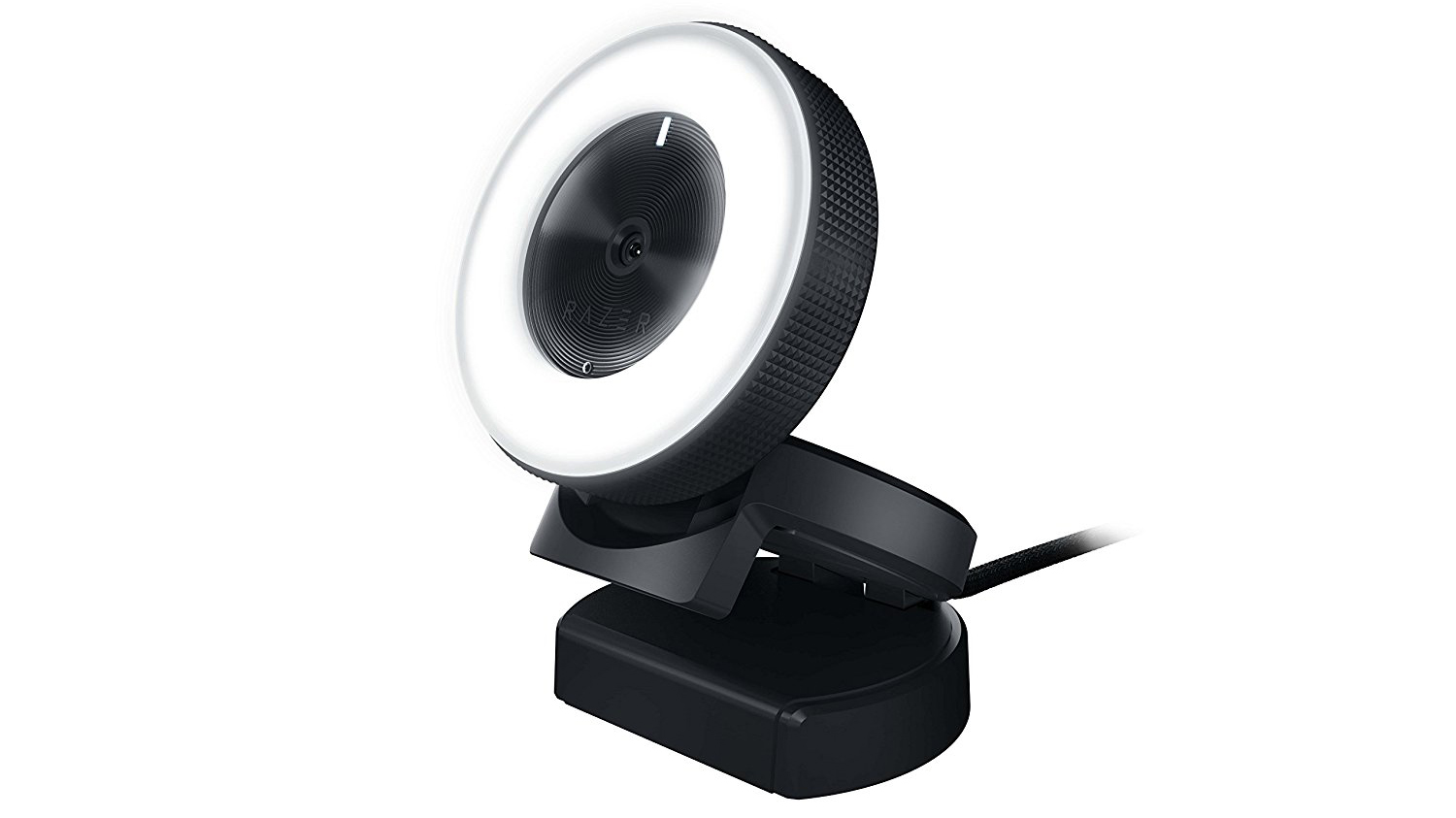
Razer Kiyo focuses on what matters most to game streamers and YouTube vloggers. (Image Credit: Razer)
3. Razer Kiyo
A spotlight on streaming
Resolution: 1080p | Features: Ring light, Compatibility with OBS and Xsplit
Convenient ring light
Easy to use
Expensive
The Razer Kiyo might look weird, a testament to Razer’s unique designs, but it’s still one of the best webcams out there for streaming – which is unbelievably popular in this day and age. With the Razer Kiyo, Razer has stripped away a lot of the bells and whistles that more premium webcams offer, focusing instead on what matters most to game streamers and YouTube vloggers – good image quality and lighting through a “Light Ring”. You don’t need to spend a ton of time configuring the stream – just plug in the Razer Kiyo and get to work.
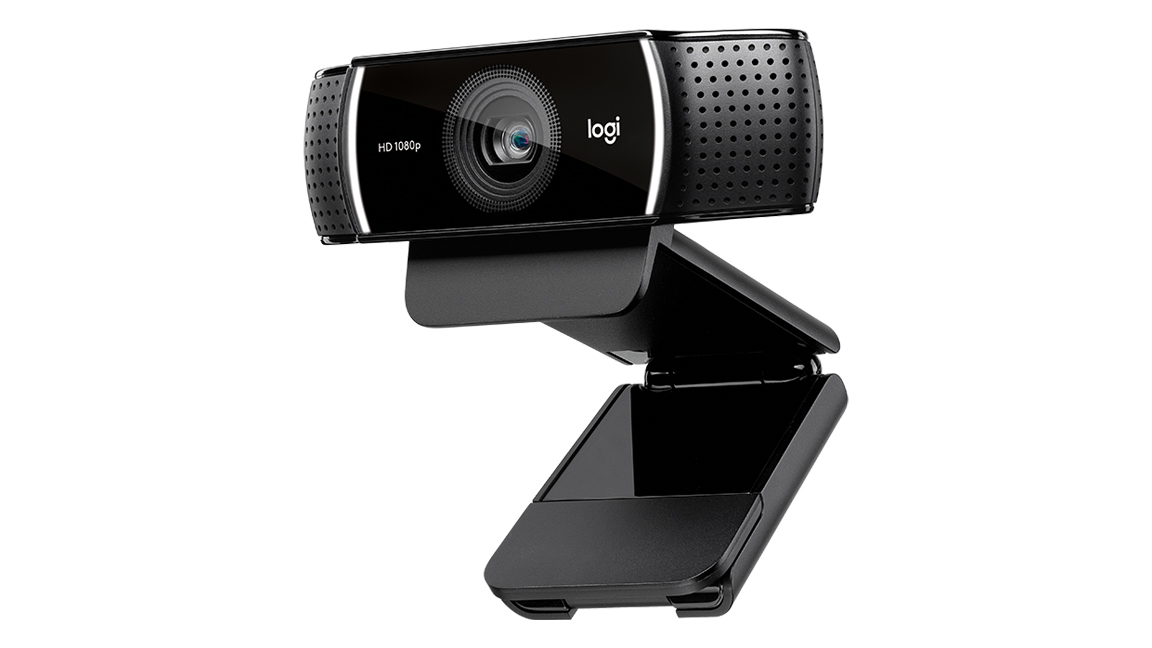
The Logitech C922 Pro Stream features the same classy design as its predecessor, but with something interesting for gamers.(Image credit: Logitech)
4. Logitech C922 Pro Stream
It's game on for Logitech's newest webcam
Resolution: 1080p | Features: Background removal, Low-light correction, 720p/60fps video while streaming, Stereo audio, autofocus, auto light correction
Great low-light capabilities
Background removal feature
Supports 720p/60fps streaming
Same design as the C920
No RealSense capabilities
The Logitech G922 Pro Stream features the same classy design as its predecessor, the C920, but it’s especially interesting for gamers this time around. The C922 still boasts excellent 1080p video quality, great for hosting video calls, and its automatic low-light correction makes it a fantastic cam for streaming with the lights off. It also supports background removal, making it ideal for budding YouTubers.
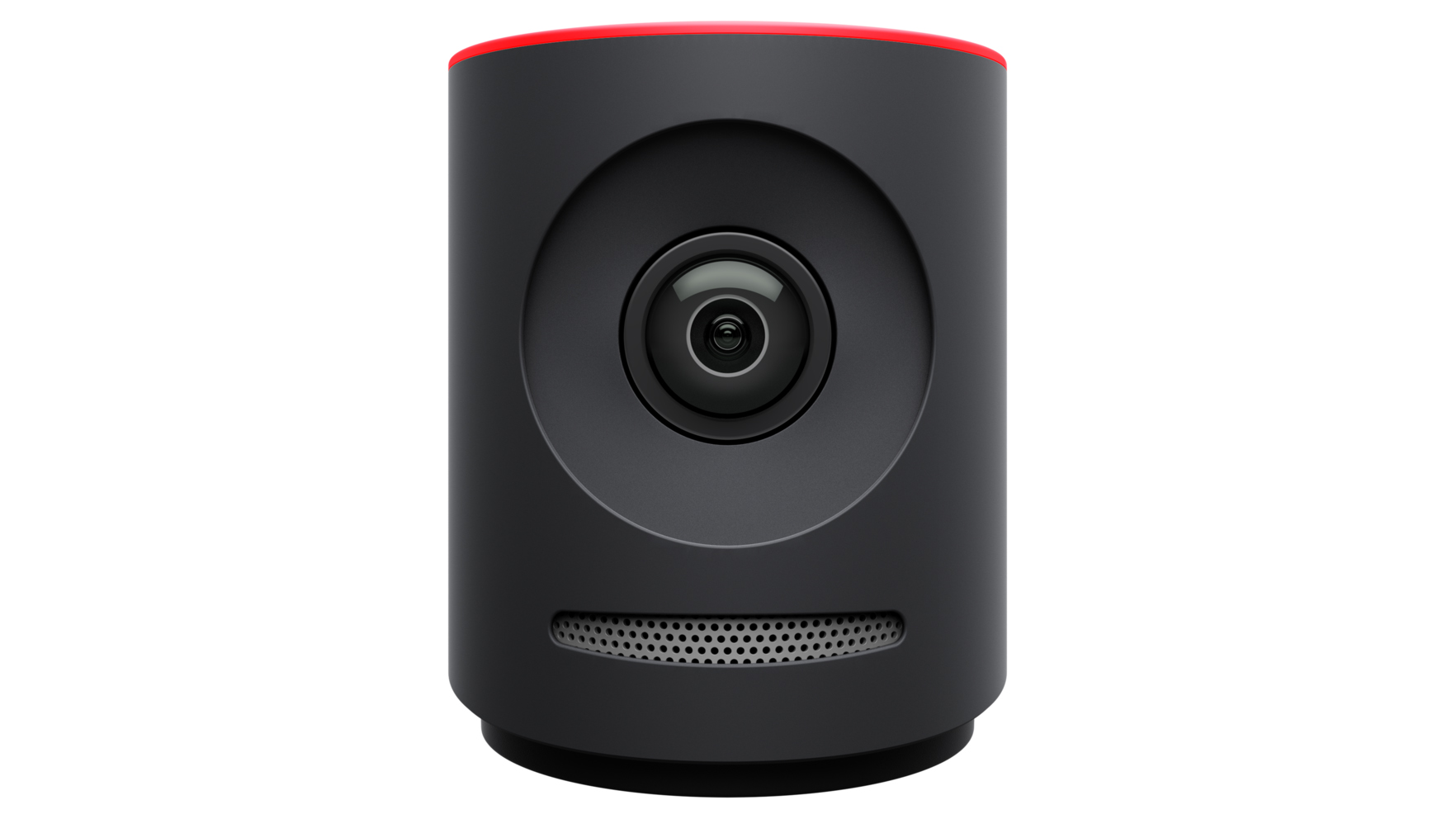
Mevo allows you to capture footage live, no matter where you are in the world. (Image Credit: Mevo)
5. Mevo
Livestreaming on the go
Resolution: 2160p | Features: 4K recording, Mobile device compatibility, Live video and audio editing, Bluetooth 4.1
Portable
Compatible with variety of devices
Very expensive
If you’re an aspiring journalist, or even if you’re just trying to capture footage in the wild, Mevo might be one of the best webcams for you. Either the Mevo or Mevo Plus will allow you to capture footage live, no matter where you are in the world – as long as you can connect to a mobile network. Plus, because Mevo is small and inconspicuous, it won’t distract your subject during an interview.
Microsoft LifeCam Studio is made for business conferencing and presentations. (Image Credit: Microsoft)
It isn’t the most attractive webcam, but the LifeCam Studio isn’t really designed to be attractive. Instead, it’s made for business conferencing and presentations, with its 1080p recording, 720p live video calling and wideband mic to deliver crystal clear sound. This is a serious peripheral – one that requires a powerful PC for max settings – but that doesn’t mean it’s lacking bells and whistles. For instance, it comes with 360-degree rotating capabilities and Microsoft’s TrueColor system, which will shift the exposure dynamically to keep you well lit.
Resolution: 2160p | Features: 4K recording, 5X HD Zoom, Windows Hello, HDR
4K Ultra HD
Windows Hello
Maybe a little too high-res
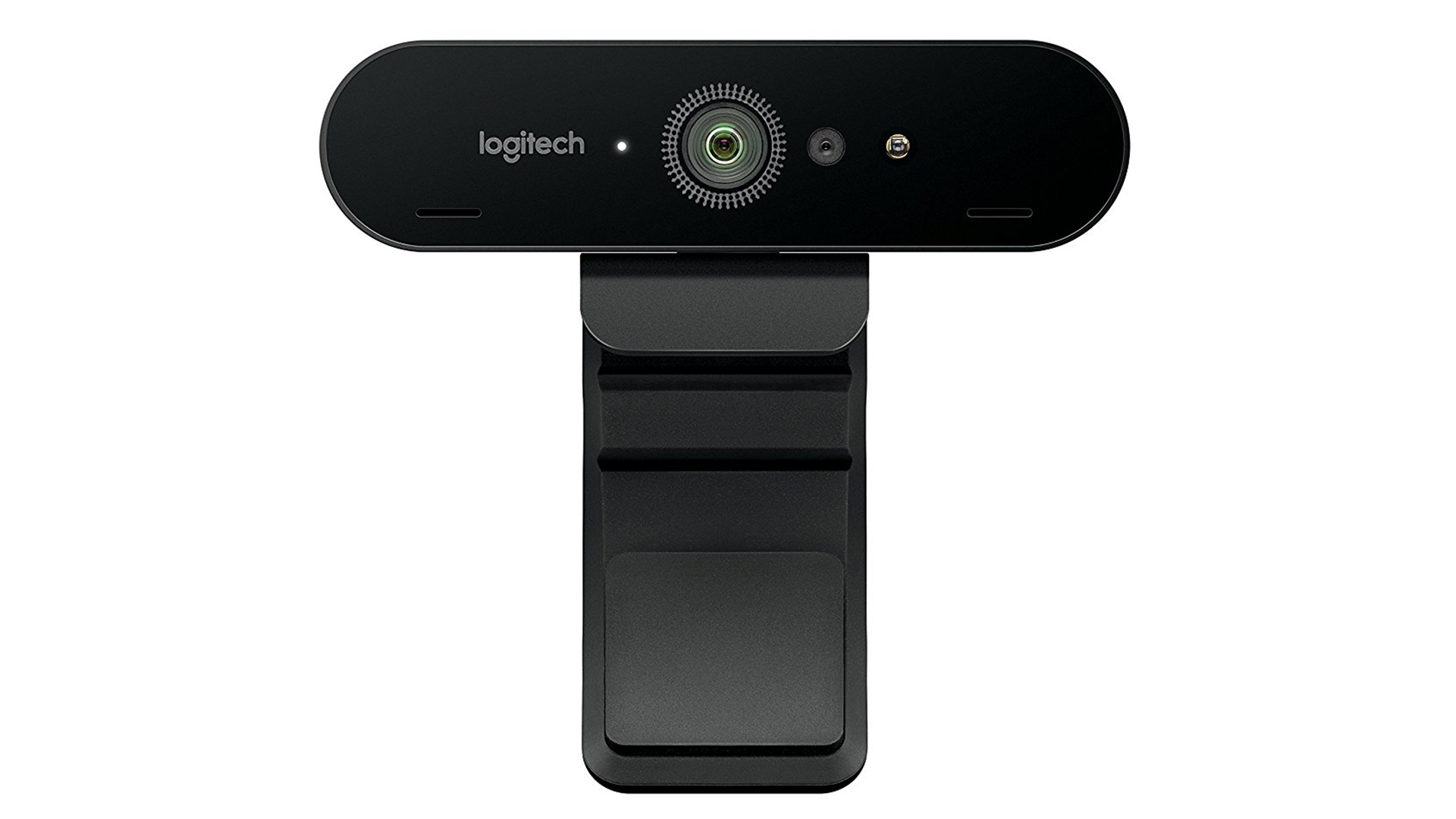
Have you ever looked at a webcam in disgust because it just can’t hold up to your smartphone? Well, the Logitech Brio might be the webcam you’ve been looking for. With a 4K UHD resolution and HDR, the Logitech Brio has brought high fidelity to the world of the best webcams. If that wasn’t enough, it also boasts Windows Hello functionality and an easy to use stand, which will let you position it to capture your best side.
(Image credit: Logitech)
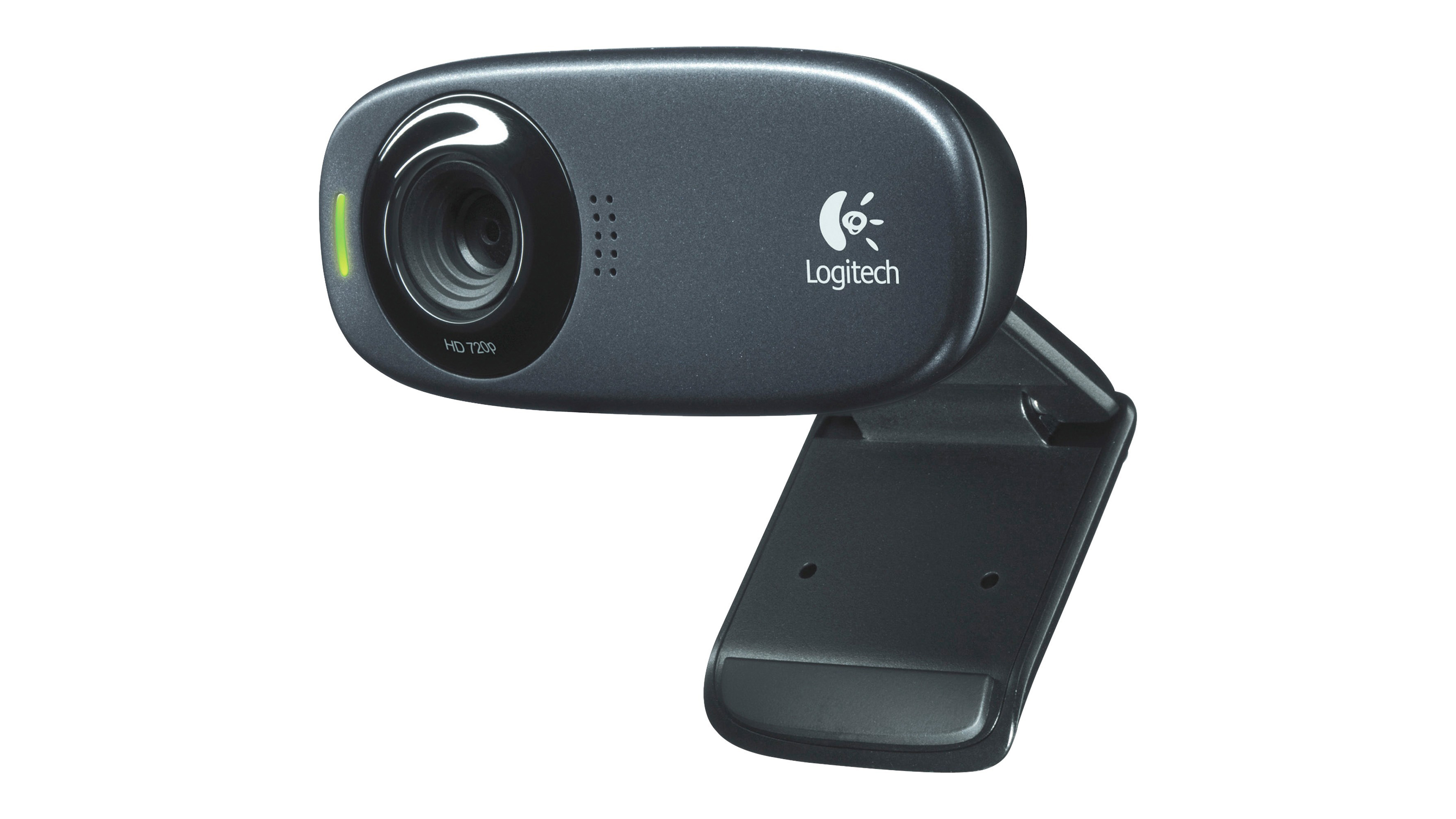
8. Logitech HD Webcam C310
Webcam for those on a budget
Resolution: 720p | Features: Noise reduction, Auto light correction, Zoom and Skype compatible
Very affordable
Auto light correction
Only 720p
Mono mic
The Logitech HD Webcam C310 is a solid option for those who just can’t splurge on a webcam. It's perfect for anyone just needing to get onto that Zoom or Skype call and be seen clearly. And, while it does only shoot in 720p, the C310 does come with Logitech’s RightLight 2 auto-light correction technology so you’ll always be shown in the proper light. With its noise-reducing mic, you’ll also be heard clearly from up to 5 feet or 1.5 meters away. This may not be a streamer’s top choice but it’s a quality pic for anyone on a budget.
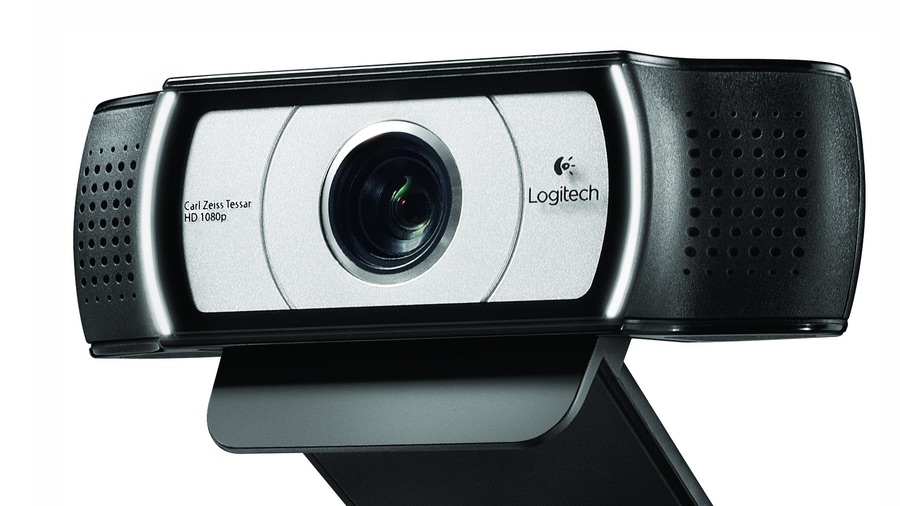
Logitech C930e is Logitech's most advanced HD webcam yet. (Image Credit: Logitech)
The C930e claims to be Logitech's most advanced HD webcam yet, so it isn’t surprising that it's also one of Logitech’s most expensive offerings. However, unlike traditional webcams, which rely on the PC for all the heavy lifting, this unit does the video encoding itself, which should in turn result in better video quality. The wide, 90-degree field of view means it’s well-suited to business video conferencing and presentations. And of course, it’s Skype-certified for PC and Mac.
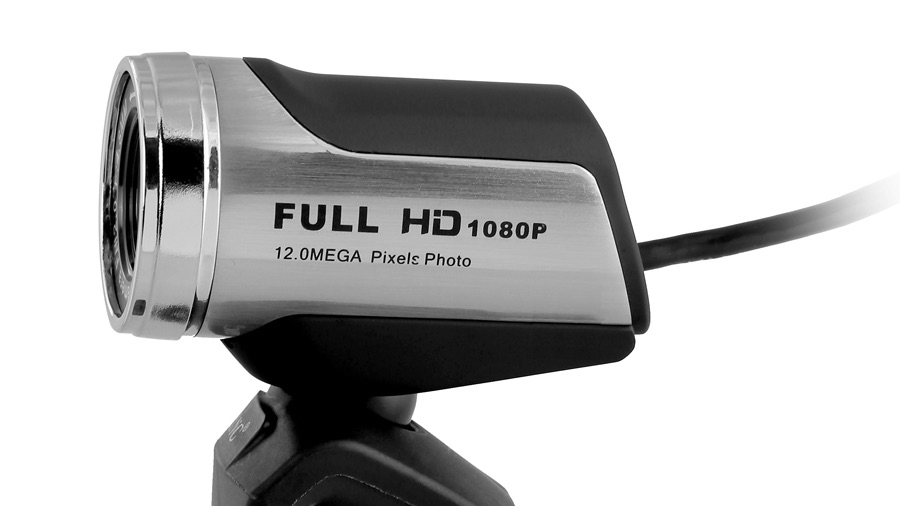
The AUSDOM 1080P HD Webcam boasts resolutions of up to 1080p HD while supporting 12MP stills. (Image Credit: Ausdom)
10. AUSDOM 1080P HD Webcam Camera with Built-in Microphone
1080p Full HD for less than £21/$27? Oh yeah
Resolution: 1080p | Features: Built-in microphone with noise reduction, low-light enhancement tech, flexible stand
Full HD
Price
Manual focus
Probably not made of titanium
If you’re looking for a full HD webcam without that hefty price tag, this may be one of the best webcams for you. Boasting resolutions of up to 1080p HD while supporting 12MP stills, a noise-cancelling microphone and low-light compensation, this camera is feature-rich. There’s no autofocus, and you don’t get a big bundle of software, but that bargain price more than makes up for any shortcomings, which is why it’s earned a place on our best webcams list.
Bill Thomas has also contributed to this article
This product is only available in the US and UK at the time of this writing. Australian readers: check out a fine alternative in the Microsoft LifeCam Studio
The best all-in-one computers can meet your demands while also decluttering your space and saving you money. Because these desktop computers pack their internals behind their displays, they don’t require a separate display, which helps minimize your devices, the cables behind your desk, and your spending. Some even come with a keyboard and a mouse at no added cost.
The best part is that the best all-in-one computers also rock plenty enough power to rival some of the best PCs out there. In fact, many professionals rely on such AIOs as the Surface Studio 2 and the iMac Pro to get through their daily workload.
You don’t have to compromise on performance and cost just to get a minimalist setup. The best all-in-one computers are the perfect and most cost-effective solutions, whether you’re a casual user with a small desk space or a power user who requires a seamless, minimalist setup. Here are our top picks.
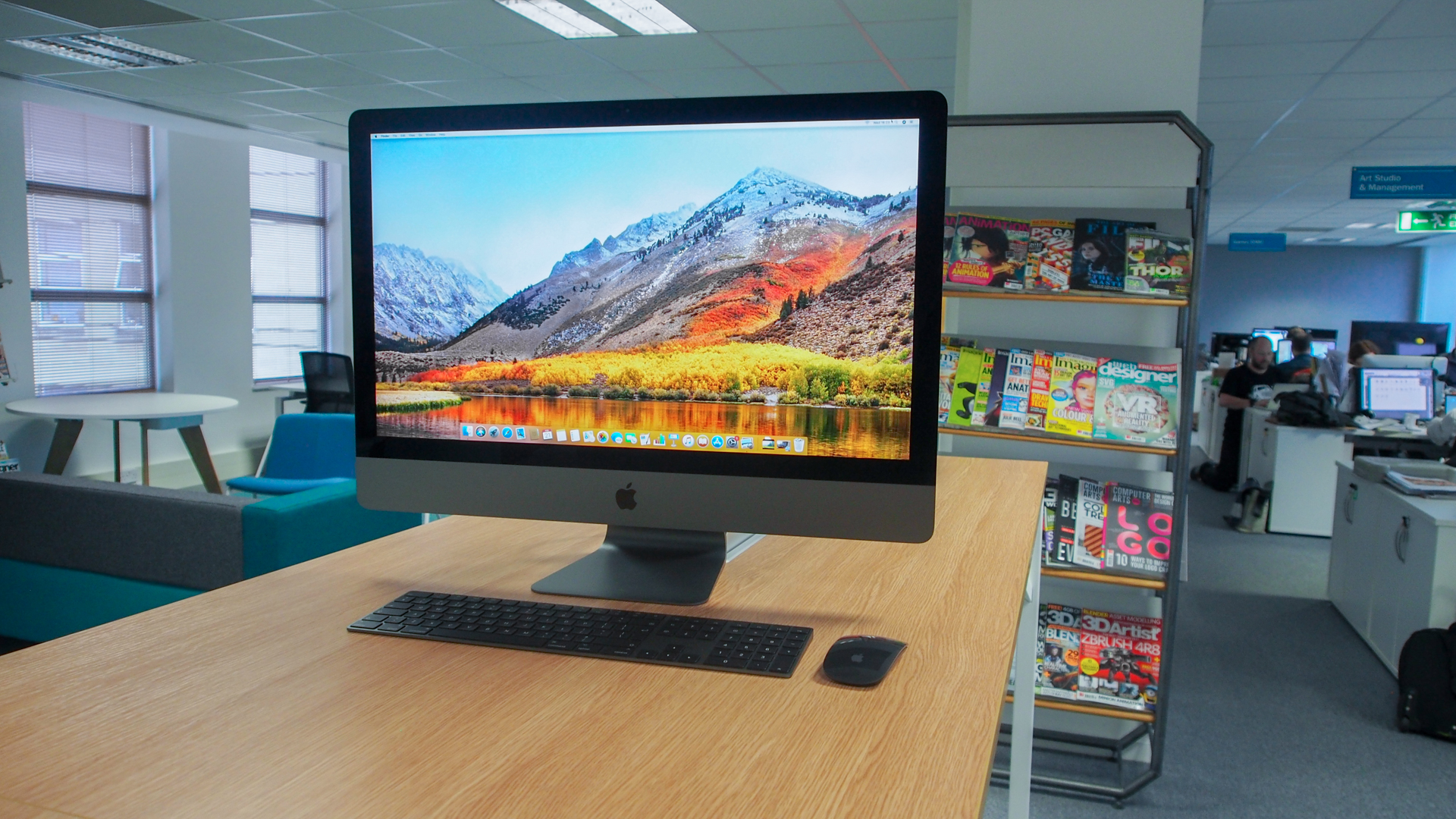
Even though the iMac 27-inch’s last update was only last year, Apple couldn’t help but step up in the upgrades department with its follow-up. Specs-wise, this model sports some massive improvements while also upgrading its webcam and microphones for a felicitous update. More people are working from home these days, and this seems like the best all-in-one PC to invest in without being forced to make some considerable space in your existing area. Sure, its overall design hasn’t seen so much as a tweak, making it look a bit tired, but if power is at the top of your list, this one’s an ace.
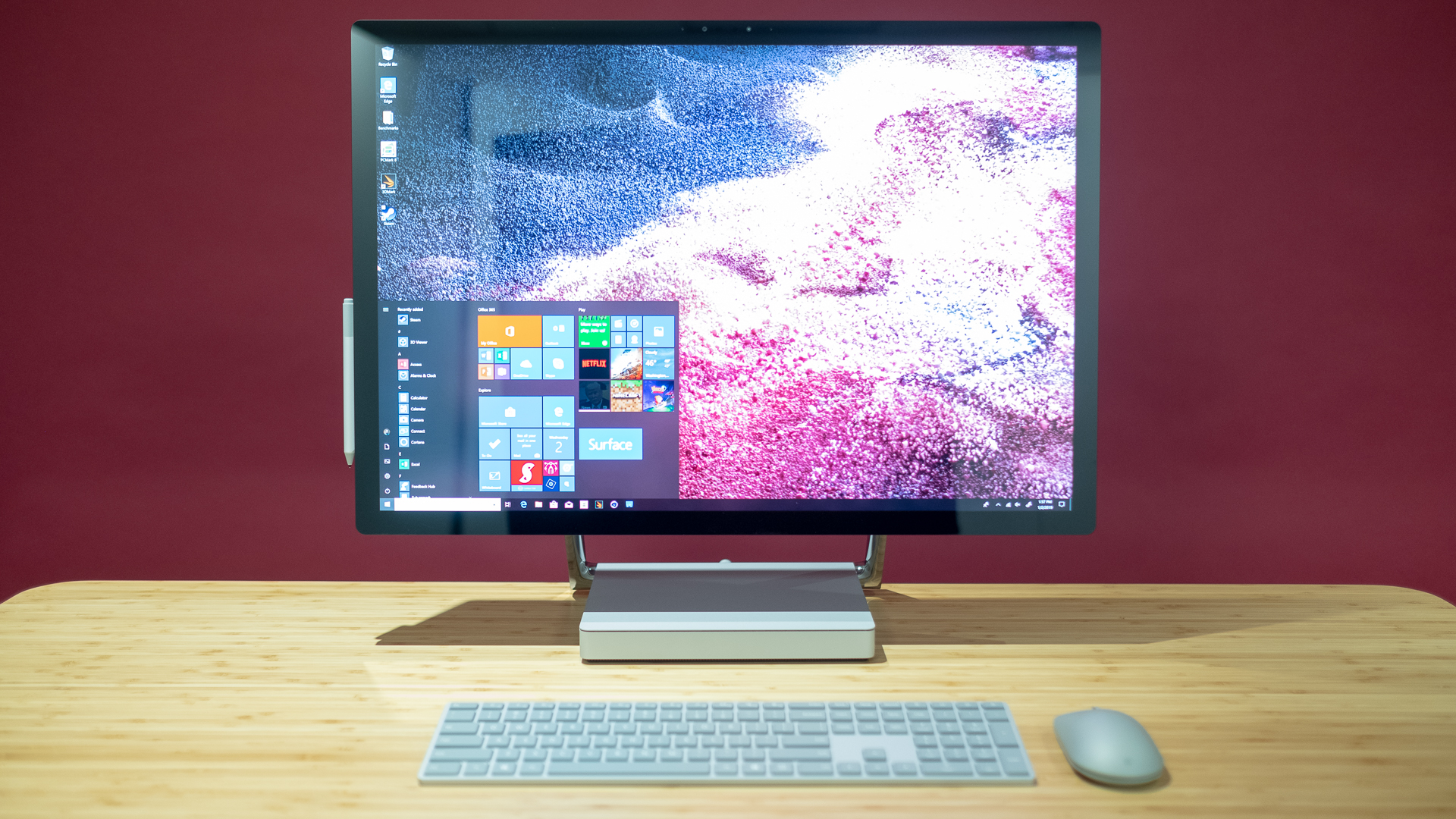
Back when the original Surface Studio hit the streets, it was a game changer for artists and content creators alike. And, even in 2019, the sequel still stands in a league of its own. The Surface Studio 2 doesn’t just feature the same gorgeous display and unique functionality, but it also ups the power significantly, making it a much more future-proof device. It’s still extraordinarily expensive, but if your use case is right for the Surface Studio 2, then, it’s hard to think of a better all-in-one PC.
The iMac Pro, more than any other computer on this list, is aimed squarely at professionals – and it has the hardware to back it up. Packed with up to an 18-core Intel Xeon processor and up to 128GB of RAM, there isn’t a single thing you could throw at the iMac Pro to slow it down. And, while it is, without a doubt, outrageously expensive – it doesn’t really matter. If you’re the type of person that needs this level of power (you know who you are) then the price is absolutely justified.
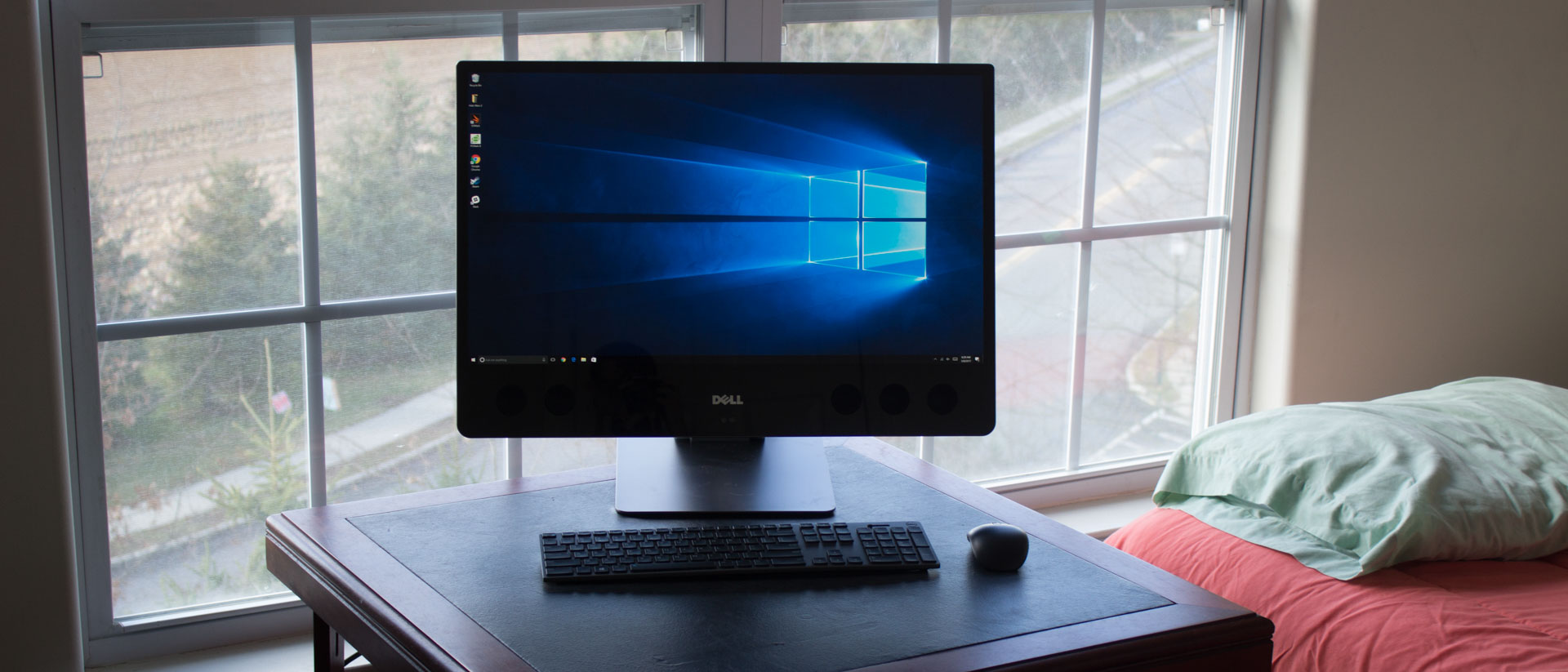
The Dell XPS 27 AIO comes with this amazing articulating stand, and it comprises a mix of a massive 4K UHD resolution touchscreen with six ear-numbing speakers. Not only is it an attractive design, but it’s also top notch when it comes to power. Whether you’re making your own beats or listening to someone else’s, watching movies or editing your own, the Dell XPS 27 AIO is easily one of the best all-in-one PCs, and should be at the top of your list when shopping for a new PC.
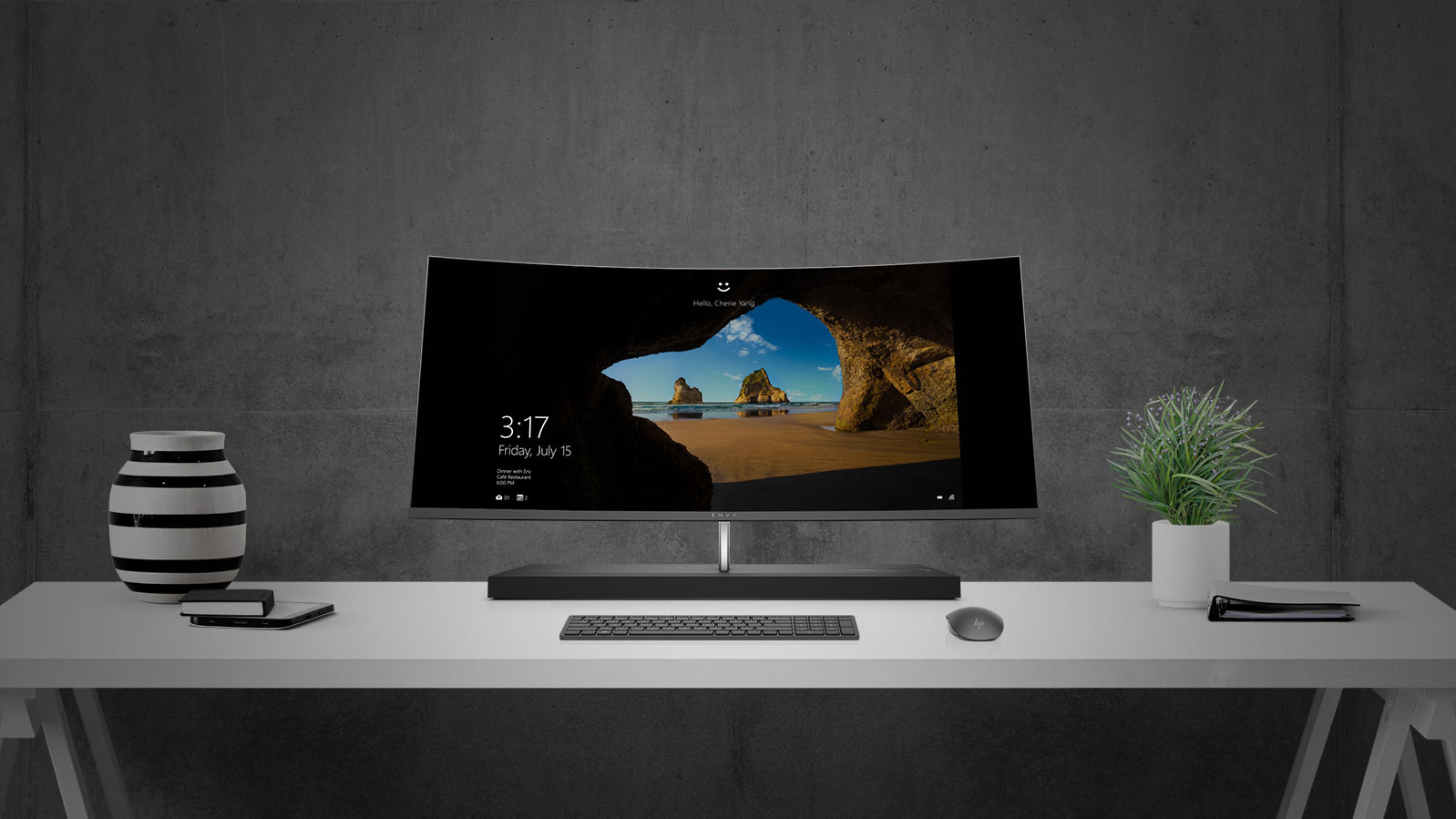
Not to be shown up by the 5K iMac or new Dell XPS AIO, HP has its own unique take on the all-in-one desktop. Though it also has all its components stored in its base like the Surface Studio, the HP Envy Curved All-in-One also adds in a booming speaker bar. Add in the ultra-wide curved screen and this is one of the best and most immersive PC for enjoying movies.
We went all of 2018 without a new iMac, but the wait was worth it. And, while the 2019 iMac looks exactly like the 2017 model, it’s what’s inside that counts. Apple’s all-in-one PC was refreshed with all new components, including 9th-generation Intel desktop processors, Radeon Pro graphics and faster SSDs. And, because that luxurious 5K Retina display is still there, it’s a no brainer for all the Apple fans out there. Plus, there’s the fact that because the iMac (27-inch, 2019) is no longer the latest model, so it should be getting some tempting price cuts.
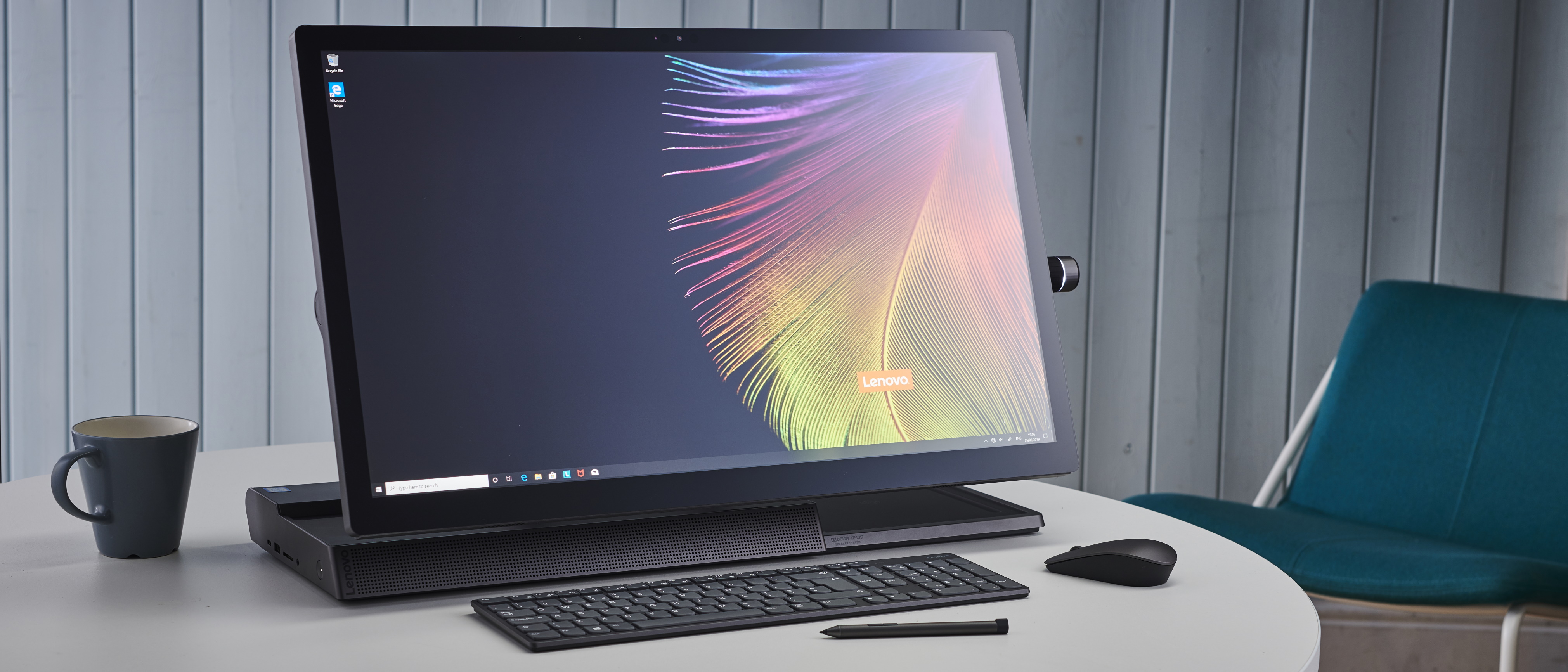
Lenovo’s latest all-in-one offering isn’t as powerful as Apple’s premium AIO, the iMac Pro, or even the recently updated iMac, which now offers a 9th-generation Intel Core configuration. After all, the 8th-generation chips and Radeon RX 560 graphics are aging at this point. However, it is still plenty powerful to meet the needs of creative professionals out there who are not entirely impressed by Apple’s pricey machines. On top of that, the Lenovo Yoga A940 has a few aces up its sleeves, including 100% Adobe RGB support and Dolby Vision, a set of Dolby Atmos speakers, a port offering that’s more generous than Apple’s all-in-one, and a stylus included in the box.
Update (February 16): Poco M3 will go on sale today at 12 noon on Flipkart. The Cool Blue and Power Black colour variants will be on sale today while the Poco Yellow will go on sale on Feb 19.
Poco M3 will go on sale in India at 12 noon today on Flipkart. This is the phone's first sale after it was launched in India a week back. The Poco M3 starts at Rs 10,999. During the sale, you can also avail Rs 1,000 off with card offers which make is one of the most powerful budget phones in recent times.
The Poco M3 was launched on February 2, 2020, in India as the successor to the Poco M2. The Poco M3 in India is a bumped up to the version of the global Poco M3. The only change comes in terms of 6GB of RAM as opposed to 4GB of RAM on the global model.
10% upto Rs.1000 Instant Discount with ICICI Bank Credit Cards
The Poco M3 is priced at Rs 10,999 for the base variant with 64GB of UFS 2.1 storage and Rs 11,999 for 128GB of UFS 2.2 storage. Both variants come with 6GB of RAM. Colour options include Cool Blue, Power Black and Poco Yellow.
Poco M3 specifications
(Image credit: Poco)
Starting off with the design, the Poco M3 a unique dual-tone finish with a rectangular block which sports the triple camera module and Poco branding. The Poco M3 back panel comes with the top one-third consisting of a black glass “visor” which houses the cameras and a bold-coloured plastic back all-around with a faux leather finish.
It sports a 6.53-inch Full HD+ dot drop display with Widevine L1 certification. Under the hood, the Poco M3 is powered by a Qualcomm Snapdragon 662 chipset. There is also a dedicated microSD card slot which takes up to 512GB. On to the optics, the Poco M3 comes with a 48MP primary sensor f/1.79 aperture which is followed by a 2MP macro lens and a 2MP depth sensor both with f/2.2 aperture. The selfies are handled by an 8MP shooter which is located inside the dew-drop notch.
Lastly, the Poco M3 packs in a massive 6,000mAh battery which supports 18W fast charging via Type-C port. Other features include a side-mounted fingerprint scanner, R blaster, 3.5mm headphone jack, and Bluetooth 5.0.